Programme Setup
Part of Working with content affiliates
Keeping product feeds accurate for content partners
Keep an affiliate product feed aligned with the product page, especially for price, availability, model and destination.
Keep an affiliate product feed aligned with the product page — especially for price, availability, model and destination. Publishers may use feed fields in comparisons and buying guides. A stale field can mislead readers even if the brand's own page has been corrected.
Define the source of truth
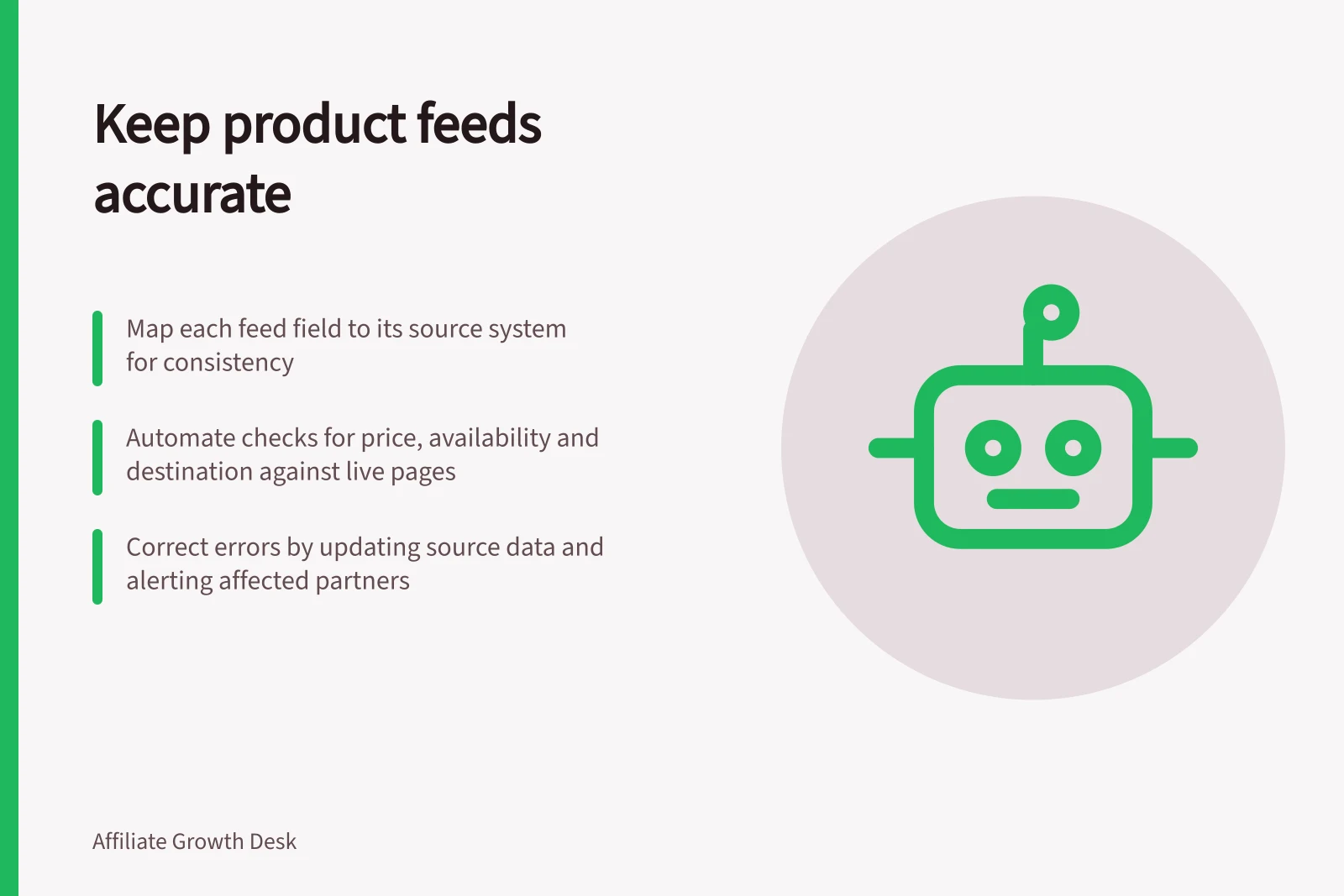
Map each feed field to the system that owns it. A stock field may come from inventory, a description from the catalogue and price from the commerce platform.
Record how often each source changes and when the feed is generated. If a product has regional variants, make the identifier and destination specific enough to avoid mixing them.
Keep the feed consistently up to date and, where practical, configure the network to fetch it automatically. Include the product fields partners need, such as deep link, name, description, price, images and relevant vertical-specific information.
Feed Maintenance Metrics for Australian Affiliate Programmes
- Best practice for regional variants
- Use unique identifiers including region code (e.g., AU, NZ) and GST status
- Recommended fields for publishers
- Deep link, name, description, price, images, model number, availability
Check high-risk fields
Automate comparisons where possible between the feed and the live product page for price, currency, availability and destination. Check a sample of titles, images and variant attributes manually.
Keep feed price and availability consistent with the live product page, and update the feed when those details change.
Do not silently replace an item ID when only its description changes. A publisher may have mapped the old ID into an article or comparison table.
When a product is discontinued, use the network's supported status and give partners a clear replacement recommendation only if it is genuinely comparable.
Feed Field Accuracy vs. Live Product Page: Key Risk Areas
- PriceMust match exactly; use automated sync where possible
- Availability (In Stock/Out of Stock)Real-time sync essential; avoid stale stock indicators
- Product Destination URLMust direct to correct regional variant; include ABN or GST details if applicable
- Item IDDo not change silently; preserve mapping for existing publisher content
- Title and DescriptionManual review recommended; ensure consistency with brand’s ATO-compliant marketing materials
Handle correction and propagation
When an error is discovered, correct the source data, regenerate the feed and confirm the network has accepted it. Then alert partners whose live content may repeat the old fact.
A corrected feed does not guarantee that cached tables or hand-written prose have refreshed. Keep a change log with the affected IDs, old and new values, effective date and contact.
Assign ownership of daily checks during high-change periods. The practical test is a product sampled from the publisher's view: does its title, price, stock status, image and link match what a customer will see on the destination page? If not, pause promotion of that item until the mismatch is resolved.