Affiliate Operations
Part of Affiliate landing pages and product feeds
Preventing out-of-stock products from wasting affiliate clicks
Coordinate product pages, feeds and publisher placements when stock changes so shoppers see accurate availability and suitable next steps.
When a promoted product sells out, update the product page and feed promptly. Then fix publisher placements still sending readers to it.
Your response depends on whether orders have stopped, a genuine backorder is available or the item is discontinued.
An “in stock” claim should not sit beside a link to a sold-out item.
Use the ordering state the customer faces
Check whether the customer can order the exact variant for delivery to their location. A warehouse label alone may not answer that question.
If backorders are accepted, show the applicable supply timing and conditions clearly.
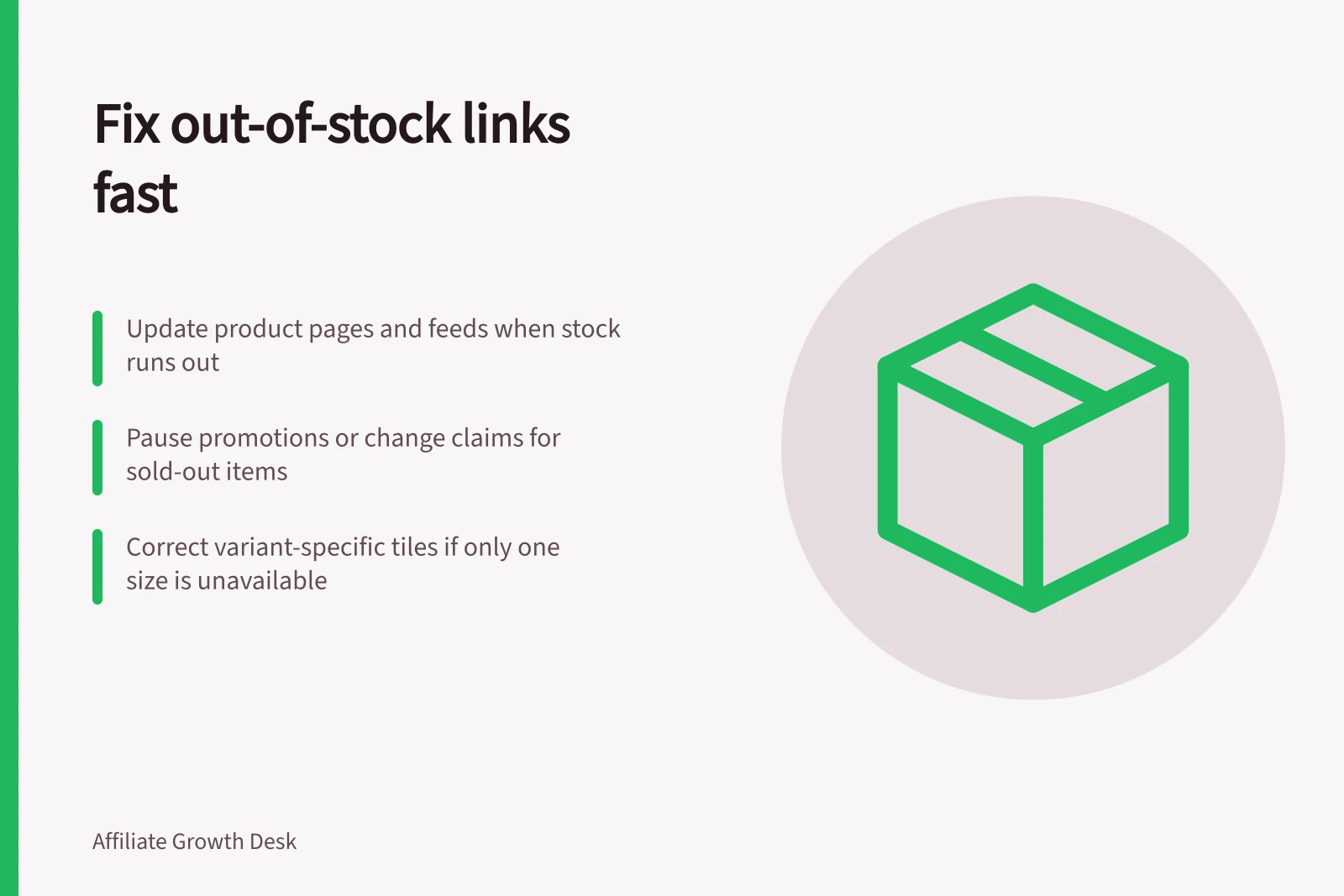
If only one size or colour is unavailable, do not present that variant as purchasable just because other variants remain in stock.
Keep availability claims consistent across the product data, landing page and checkout so the customer sees the same ordering state.
Choose the response that fits the item
| Situation | Customer destination | Publisher action to consider |
|---|---|---|
| Short interruption, no orders accepted | Product page with clear unavailable status | Pause a prominent promotion or change its claim |
| Genuine backorder accepted | Page explaining expected supply timing and conditions | Update timing in the placement |
| One variant unavailable | Page showing the affected variant honestly | Correct variant-specific tiles or copy |
| Product discontinued | Accurate product page or suitable replacement page | Ask the publisher to assess a replacement before changing its recommendation |
A replacement should serve substantially the same reader need. Give the publisher its identifier, material differences, price, availability and destination.
A review of the old item does not automatically become a review of the replacement.
Find placements that still promise stock
Trace the stock change from the commerce system to the product page and feed. Record when each changed and when the platform processed the feed.
A processed feed does not establish that a publisher’s cached listing or hand-written article has refreshed.
Contact publishers with prominent affected placements. Give them the product and variant IDs, current ordering state, any supportable supply timing, suggested destination and correction contact.
Avoid claims about stock or when goods may be supplied unless they can be substantiated. Do not invent a return date.
Check the live placement and follow its link. Compare its claim with the final page, the feed row and the normal purchase route where appropriate.
Record each mismatch by product ID and placement so it can be checked again after correction.
A useful operating count is the number of live placements still claiming availability after the store marked the item unavailable, with the period and inventory source stated.
That count identifies correction work; it is not an estimate of lost sales.
Recheck when stock returns because paused placements and stale “sold out” messages may need updating.