Affiliate Operations
Affiliate payment operations
Organise affiliate payments from approved earnings through billing, funding and settlement, with clear ownership of exceptions.
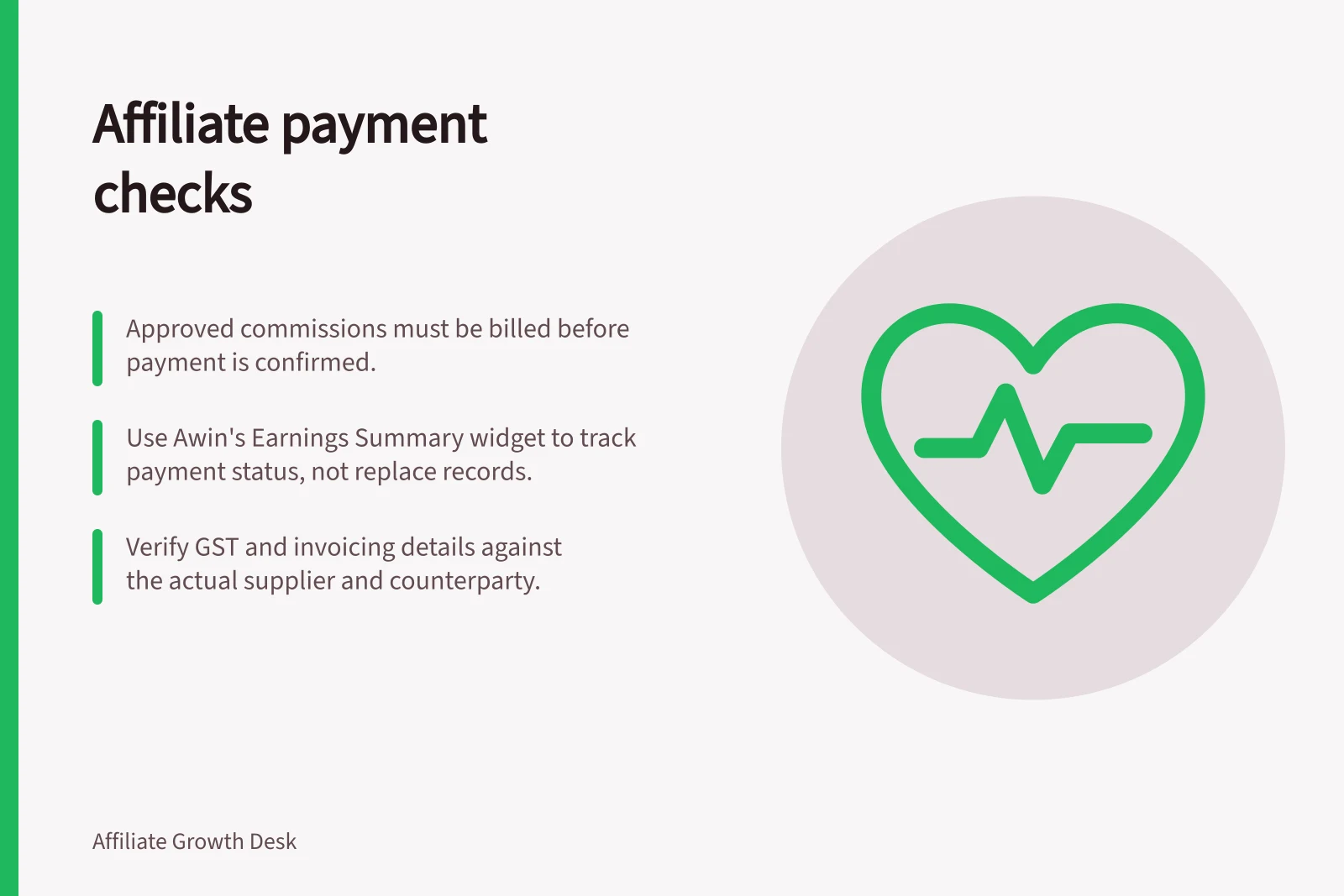
Five checks govern affiliate payments: confirm approved earnings, identify the billing route, make funds available, check the scheduled payout, and investigate anything that has not reached the publisher. An approved commission is not proof of payment.
Keep each obligation in the right state
| State | Question to answer | Record to keep |
|---|---|---|
| Recorded | Which conversions were reported? | Transaction and store order references |
| Approved | Which commissions qualify under the terms? | Amount, currency, decision date and exceptions |
| Billed or funded | Which document or funding request applies? | Counterparty, document and funding record |
| Scheduled | When is the next payment step due? | Contract or provider schedule |
| Cleared | What evidence shows the obligation was settled? | Payment status, reference and any failed-transfer case |
Use the labels in the actual account. Awin separates approved commission from commission ready for a payment run. On impact.com, action locking, invoicing, funding and partner withdrawal are distinct stages. A brand funding a payout does not establish when money reaches a publisher’s bank account.
On impact.com, an action can move through Pending, Locked, Clearing, Overdue or Reversed. Locked means the action cost is due; payout is expected on the clearing date only if the brand has sufficient funds. Overdue indicates that funds were insufficient on that date. Reversed means the action cost is void and no commission is due.
Use the Awin Earnings Summary widget as a payment-state check, not as a substitute for the underlying records. Green indicates earnings are payable for the next run; amber indicates the minimum payout threshold has not been reached; red indicates a block caused by incorrect payment details. The widget also shows the next payment date and links to payment settings and threshold settings.
Establish the billing route
Record the legal counterparty, agreed currency, payment terms and contact for queries. Confirm who issues each document before accounts payable acts. In a direct arrangement, the publisher may invoice the advertiser. A platform may generate documents or act as the invoicing counterparty.
Awin’s self-billing invoices are available in publisher payment history. impact.com documents direct invoicing and invoicing through an impact.com entity, including an Australian entity. The route depends on the contracting arrangement.
Have finance assess GST and document requirements against the actual supplier, supply and counterparty. Currency or an invoice heading alone does not settle tax treatment. Handle changes to payment details through a verified account process.
For impact.com, confirm the contracted entity before deciding who owes the partner: under invoicing via an impact.com entity, that entity is the payment counterparty; under direct invoicing, the brand and partner have a direct contractual relationship. Impact Tech Australia Pty Ltd is among the named entities using the entity invoicing method. New brands contracted with the specified entities since 1 July 2025 automatically use that method.
Awin self-billing invoices have access conditions as well as a location. They are available from Payment History only after the minimum payment threshold is met and tax details are correct; only invoices generated after 1 February 2021 can be downloaded. If a document is missing, check those prerequisites before treating it as an unpaid obligation.
Hand approved earnings to finance
Close a defined review period and pass finance the approved amount by payee, currency and due date. Keep pending, declined and disputed amounts separate. Retain transaction references and trace later adjustments rather than overwriting an earlier total. Order-level validation belongs to the commission review; this handoff checks that its decisions reached the payment record.
Match the relevant invoice or statement to the approved obligations. Show placement fees, bonuses, tax, platform charges and earlier credits separately.
Its upcoming-payments report distinguishes finalised payouts for locked actions from estimates for pending actions. Check which funding approach the account uses before treating either document as the amount to settle.
On impact.com, record whether the account uses a Payment Request Form (PRF) or Statement of Invoices (SOI). A PRF forecasts expected obligations within the next 30 days and is used to pre-fund before amounts are finalised, so monitor actual obligations against the forecast. An SOI summarises finalised obligations, usually over a 30-day period, though the account’s custom GAAP month can affect the period; it presents an amount for settlement on its due date. The platform says an account should receive only one of these document types.
Impact.com Funding Documents: PRF vs SOI
- Payment Request Form (PRF)
- Forecast of expected obligations in next 30 days; used for pre-funding
- Statement of Invoices (SOI)
- Summarises finalised obligations; typically 30-day period; used for settlement on due date
Confirm settlement and handle exceptions
When currencies differ, retain the commission amount, funding amount, applied rate and charges so the difference can be explained. RBA rates are indications of market value and may differ from those quoted by foreign exchange dealers and other market sources.
After a payment run, compare what was due, what was funded or sent, and what the available records show as cleared or returned. Investigate open items by cause: approval, document, funding, payment details or processing. Give each case an owner and a next update time. Tell the publisher which stage is confirmed, and leave bank receipt unconfirmed until there is evidence for it.
In this guide
- Setting a commission approval and payment calendarWork backwards from payout to set commission review, billing and funding dates an affiliate programme can meet.
- Reconciling publisher invoices with approved earningsMatch affiliate billing documents to approved earnings by counterparty, period, due date and currency before payment.
- Handling cross-currency affiliate paymentsTrack commission, funding and receipt currencies, and explain conversion timing and charges before affiliate payouts.
- Communicating payment delays without damaging partner trustExplain an affiliate payment delay with a verified status, responsible contact and next update, without promising an unconfirmed date.