Programme Setup
Part of Affiliate landing pages and product feeds
Matching an affiliate landing page to the publisher's context
Choose an affiliate destination that fulfils the promise in a publisher’s review, guide or offer, then check the final page as a customer.
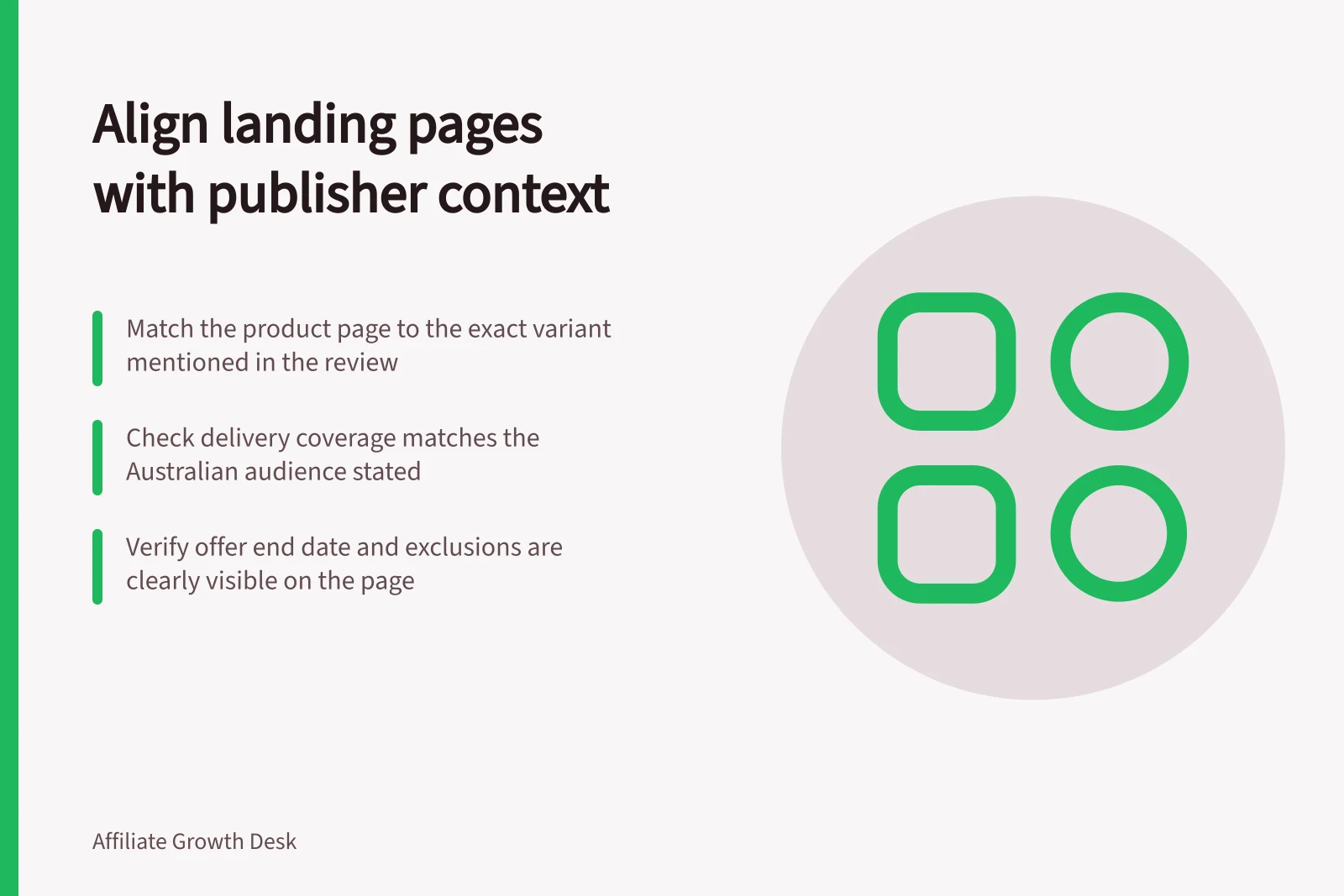
Match the landing page to the expectation the publisher sets just before the click. A single-product review needs that product and variant; a range comparison may suit a category page. Readers should recognise the promised item or offer without searching again.
Read the placement before choosing a URL
Record the publisher’s headline, surrounding copy, image and call to action. Does the reader expect one item, a shortlist or an offer? Check any stated price, feature, size, colour, delivery area and offer period against what the business currently supports. For a proposed placement, give the publisher confirmed facts and agree the destination before it goes live.
Use the most specific page that fulfils the promise. A named-model review should normally open its product page with the reviewed variant apparent. A comparison can open a range page if the relevant models are easy to find.
A voucher placement needs the eligible offer and its material terms in view. Every affiliate click need not go to a product-detail page.
| Publisher context | Destination to consider | Mismatch to check |
|---|---|---|
| Review of one variant | That variant’s product page | Another size or colour selected by default |
| Category buying guide | Relevant category or curated range | Discussed items absent or buried |
| Time-limited offer | Page showing the eligible offer | Exclusions or end time hard to find |
Check what the reader reaches
Follow the trackable link and note the final page after redirects. On a phone, can the reader identify the item or range, find the current price and availability, and take the next step? Check delivery coverage against the audience the publisher addresses. If locations or products are excluded, test any claim that the business ships throughout Australia.
Awin Classic’s Link Builder accepts product or category destination URLs. It does not assess whether the page supports a publisher’s claim. Its accepted-domain setting restricts deep links to accepted domains. After a domain or storefront change, check the actual final destination.
Correct both sides of a mismatch
If the selected item is unavailable, show its status honestly and agree with the publisher whether to change or pause the placement. A substitute may need a new editorial recommendation. Do not redirect an old review automatically to a different product. If an offer ends, give the publisher the revised terms and effective time so the placement can change with the page.
The ACCC can require businesses to substantiate claims about their products or services and may investigate misleading conduct. Fixing the destination does not fix an outdated statement on the publisher’s page.
Keep a placement record with the publisher property, exact promise, intended audience, trackable link, final page, checked variant, offer status, review date and owner. Revisit it when the placement or destination changes.
Key Compliance and Best Practice Stats
- ACCC investigation authority
- Yes – businesses must substantiate claims
- Awin Classic Link Builder support
- Product or category URLs only
- Deep link domain restriction
- Enabled via accepted-domain setting
- AU-wide shipping claim test
- Must be verified for accuracy