Click Tracking
Part of Affiliate tracking from click to confirmed sale
Understanding affiliate cookies and attribution windows
Learn how browser cookies, referral windows and credit rules differ, and why a sale may not be attributed.
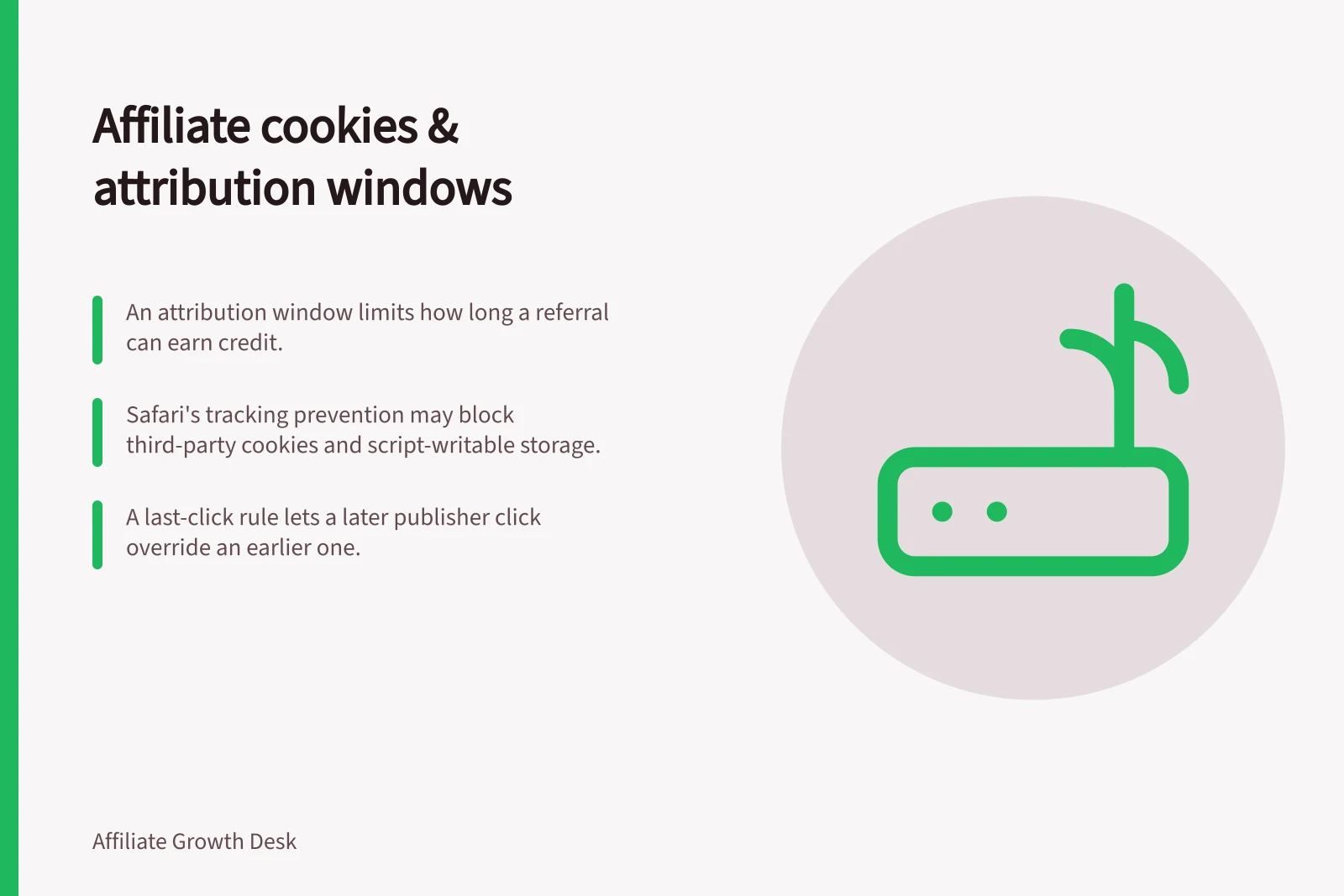
An affiliate cookie can help recognise a referral on a later visit. An attribution window is the programme rule that limits how long a recorded referral may qualify for credit. A window does not promise that browser storage will survive for its full length, or that every order within it will be credited.
Separate storage from the credit rule
A cookie is browser-held data subject to settings such as scope and expiry. A tracking integration may use it to retain referral information. Other permitted identifiers or server-side events may also help associate an order with a recorded referral. The programme's credit rule then determines which partner, if any, receives credit.
Terms should answer two questions: when does a qualifying referral cease to be eligible, and which eligible interaction wins when several partners are recorded? Under a last-click rule, a later eligible publisher click may displace an earlier one.
A configured first-click rule makes a different choice. Neither choice establishes which publisher caused the purchase. Check the actual platform settings and partner terms rather than inferring the rule from “cookie period”.
Affiliate Cookie Storage vs. Attribution Window Rules
- Browser Cookie StorageSubject to user settings, browser restrictions (e.g. Safari’s tracking prevention), device changes, or clearing; may expire before the attribution window ends.
- Credit Policy (e.g. First-Click vs Last-Click)Determines which partner receives credit when multiple referrals are recorded within the window.
Understand the limits of a stated window
A customer may clear cookies, change browser or device, or return through a route that fails to retain the integration's tracking state. Safari's tracking prevention restricts third-party cookies and some script-writable storage under specified conditions. Its limits differ by storage method and circumstances; there is no single Safari expiry that applies to every affiliate setup.
An identifier that remains available does not keep a referral eligible after the agreed window closes. A later qualifying interaction may change the credited partner under the configured rule.
Choose and check the rule
Choose a window that fits the purchase journey and the interactions the programme intends to reward. State it alongside the credit rule and payable event so publishers can understand what qualifies.
For a configured programme, compare expected and reported outcomes for an initial-visit purchase, a return within the window, a purchase after it and two publisher clicks. Include relevant browsers and checkout routes.
When a sale is missing, inspect the recorded click, conversion event and store order before identifying browser storage as the cause. An explanation to a publisher should distinguish an expired referral, another partner winning under the rule and an unresolved tracking gap.
Purchase Journey with Attribution Windows
- Return Visit Within Window – Click by Publisher BIf last-click rule applies, Publisher B may displace Publisher A for credit.
- Purchase Made Within WindowCredit assigned based on configured rule (e.g. last-click), not cookie survival.
- Purchase After Window ExpiresReferral no longer eligible for credit, even if cookie persists.