Affiliate Operations
Part of Affiliate tracking from click to confirmed sale
Reconciling tracked orders with approved commissions
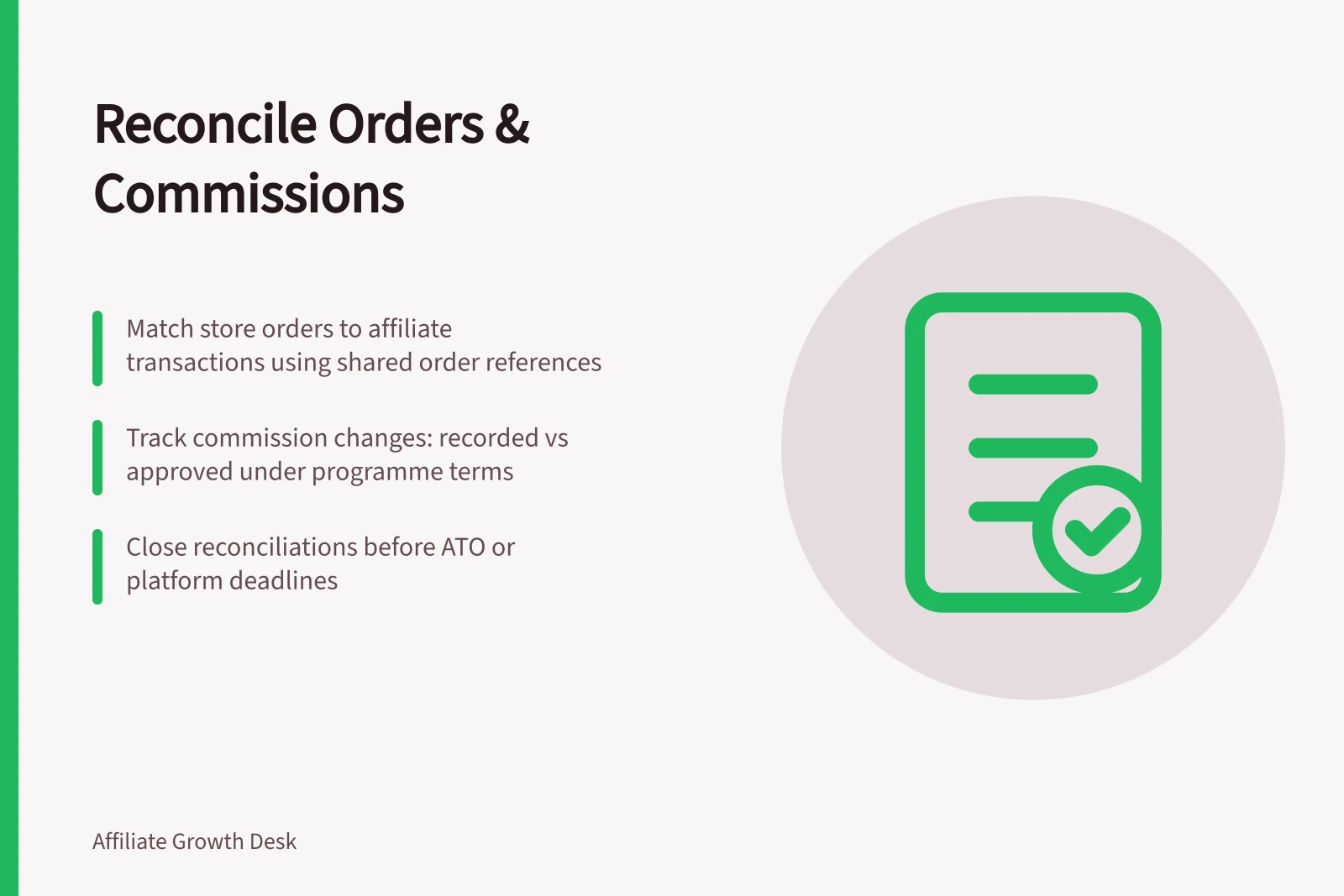
Match affiliate transactions to store orders, investigate exceptions and calculate approved commissions.
Reconcile affiliate transactions against store orders. Then explain, under the programme terms, the difference between recorded and approved commission. A tracked conversion is a record to review, not automatically a payable sale.
Build an order-level sheet
Export transactions and store orders for the same review period. Keep the platform transaction ID separate from the store order reference. Match on a shared order reference where both records provide one, and verify possible matches manually. A similar amount or timestamp does not prove two records are the same purchase.
Field group / Record
- Identity
- Store order reference, platform transaction ID, publisher ID
- Timing
- Order and tracking times, review or locking deadline
- Value
- Currency, store’s eligible amount, recorded and revised commission
- Decision
- Store and affiliate status, reason, approver and date
Awin Classic’s Transactions export includes an Awin transaction identifier, publisher identifier, sale amount, commission, date and commission status. The store remains the source for what was bought, refunded or cancelled; a platform sale amount alone does not establish which items were eligible. Available fields depend on the provider and integration. Preserve the original export alongside corrections.
Investigate each exception
Count store orders without an affiliate record, affiliate records without a matching store order, and orders with multiple affiliate records. Then compare matched records for currency, eligible value, commission and status.
A missing affiliate record could mean the order was ineligible, another partner received credit, or tracking failed. An unmatched affiliate record could carry a wrong order reference or represent a test event. Multiple records could represent duplicate reporting or separate purchases. Confirm the commerce facts before changing commission or making a conduct finding.
For a matched order, apply the terms that govern excluded items, discounts, partial refunds and cancellations. Keep both the recorded and approved amounts and the reason for any change. If a commission is corrected on impact.com, its batch-modification guidance warns that the payout is recalculated using contract terms active at the time of modification; check the result against the intended obligation.
Key Reconciliation Metrics
- Unmatched Store Orders
- Count of store orders without an affiliate record
- Unmatched Affiliate Records
- Count of affiliate transaction records without a matching store order
- Duplicate Affiliates
- Number of orders with multiple affiliate records
- Commission Adjustments
- Total value of revised commissions post-review
Close before the relevant deadline
Group records by their actual platform status and keep unresolved cases separate from approved amounts. Sum approved order-level commissions for a defined period and currency; do not treat gross tracked commission as the approved total or approval as proof of payment.
Check the account timetable. Awin can automatically approve an unreviewed transaction after its configured validation period. impact.com permits modifications or reversals before an action locks, but its documented batch process cannot change a locked action. Record exceptions, owners and deadlines while a remedy remains available.
The final record should show the approved commission total and explain each unresolved or amended order. Publisher invoices and payment execution are separate tasks.
Reconciliation Deadlines and Platform Actions
- Review Period Closes
- End of reporting cycle (e.g., monthly)
- Auto-Approval Deadline (Awin)
- After configured validation period if no manual review occurs
- Locking Deadline (impact.com)
- Before batch modifications or reversals are locked
- Final Approval Submission
- Before payment processing begins