Click Tracking
Part of Choosing affiliate software or a network
Checking data export options before signing a platform contract
Check record-level exports, permissions and exit terms before signing an affiliate platform contract.
Before signing, ask for exports that let you reconcile commissions and move the programme later. Check actual fields, permissions and exit terms. A dashboard download alone may not contain records needed to explain individual orders.
Specify the records
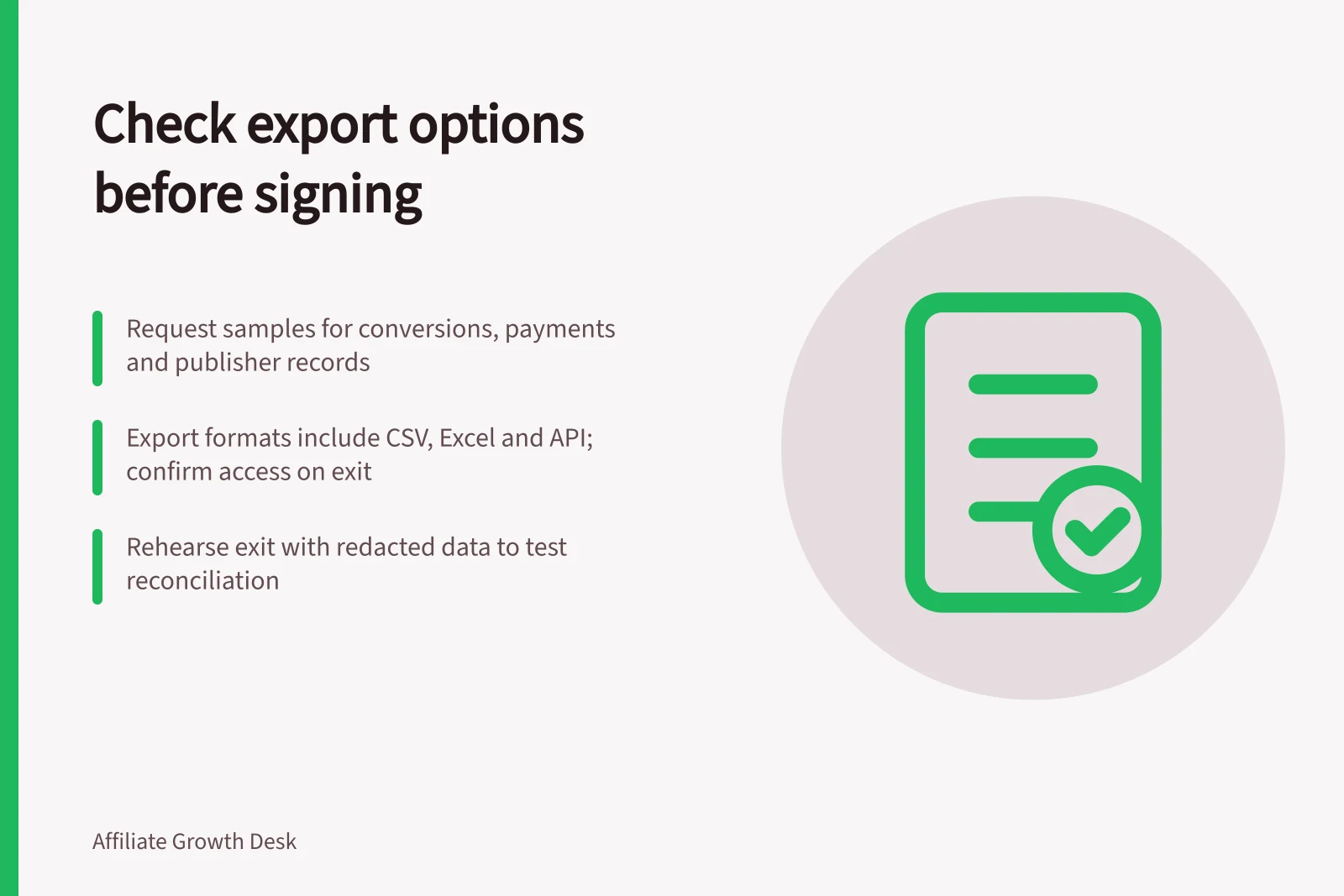
Request samples for publishers, conversions, commission decisions and payments or balances. For each conversion, look for a platform ID, your store order reference, publisher ID, date, value, currency, commission, applicable rule and status.
Ask whether amendments, declines and refunds can be traced. An optional field is useful only if your integration supplies it.
For publisher records, check which contact and agreement details you may export and retain. For finance, distinguish transaction records from summary totals. Agree a secure recipient and transfer method for personal data.
Compare documented routes
Awin Classic documents a Transactions report export in CSV or Excel. Listed fields include a transaction identifier, publisher ID, sale amount, commission, date and commission status.
Awin’s newer commission review interface also exports pending and validated data, but its columns should be checked separately. Advertiser APIs are standard on Accelerate and Advanced; Awin describes an Access-account exception tied to a user being listed on multiple programmes. Confirm entitlement in the proposed account.
impact.com documents PDF, Excel, CSV and API exports for its Performance by Partner report. That partner-level report is not a substitute for action records. Its Action Feed reports new and updated actions, with configurable delivery. Ask how to obtain historical actions, which feed fields are available and whether delivery continues during a notice period.
Tapfiliate documents CSV exports from Affiliates, Conversions, Customers and Reporting. Its conversion export includes identifiers, date, affiliate, currency, amount, commission amount, type and approval field; optional metadata depends on supplied data. The CSV file containing conversion data is sent to your email.
The initial selection covers 100 items unless the user selects all items, so verify the full record count. Its conversion field list does not establish a complete payment or decision history; request separate evidence for those records.
Key Data Export Metrics by Platform
- Awin Classic - Export Types
- 2
- Awin - API Availability
- Standard on Accelerate & Advanced
- Tapfiliate - Max Items per Export
- 100 (unless all selected)
Rehearse an exit
Ask each provider for a small, redacted export covering a normal sale, a changed commission and an unpaid balance. Join it to your own order references and try to reconstruct what is owed. Record missing fields and whether another report, configuration or API supplies them.
Put final export access, pending commissions, data retention and migration help in writing. A help page describes a capability; the proposed account and contract determine whether you can use it on exit.